Point your phone's camera at the QR code to open this page on your own device. No app needed — just tap the link that appears.
// scan with your phone
roaldnefs.github.io/car-hacking-village
Your copy to keep. Use it as a second screen while you work the cluster, or come back to it on the train home — progress saves on your device, so the rank you earn travels with you.
Featured at
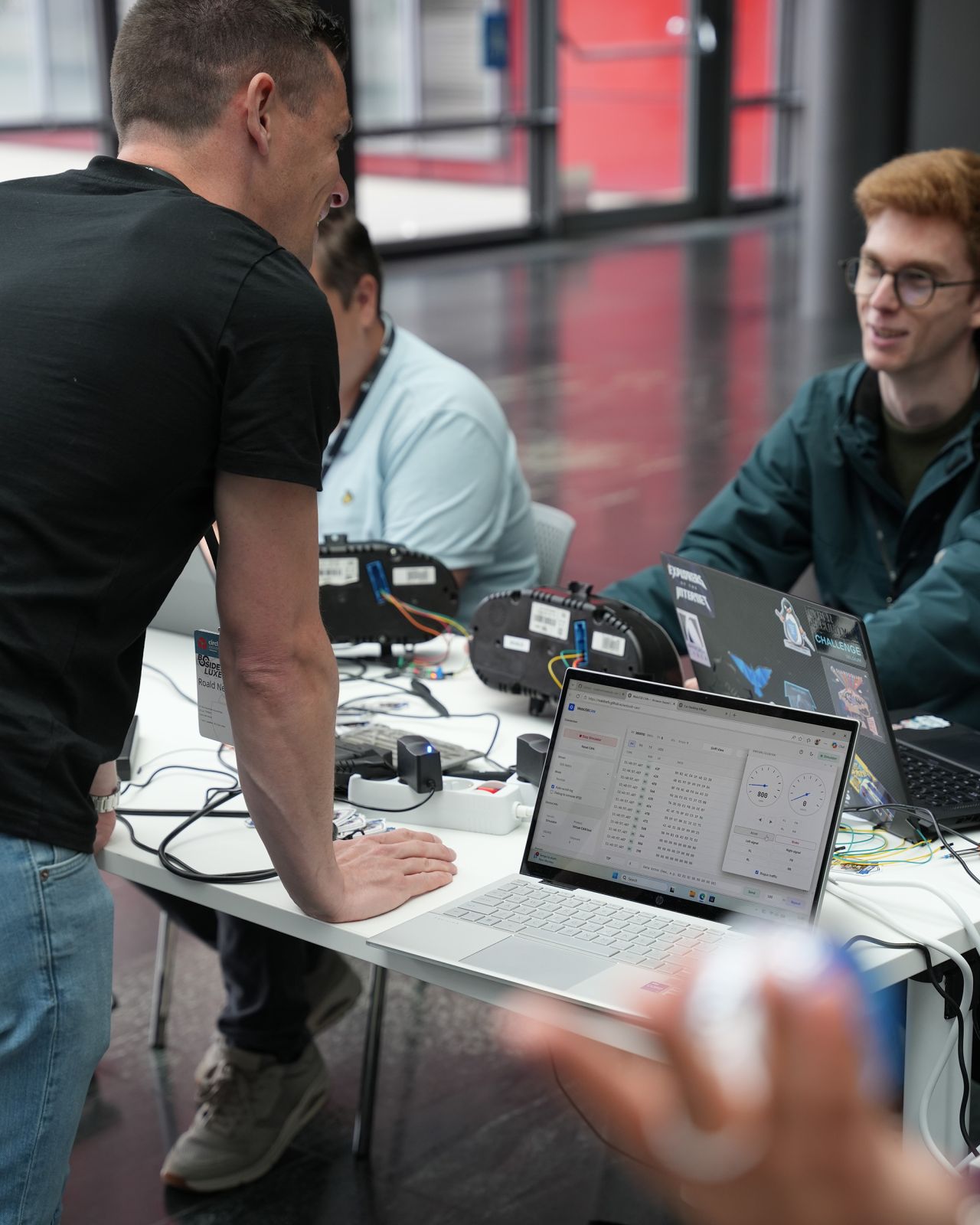
The village has been deployed in the wild — bench, cluster, and CAN bus, on a folding table near you:
[OK] bsides_luxembourg ...... 2026 · LU · cluster popped
[..] orangecon .............. 2026 · NL · village inbound
next_event --watching=true
First time? Start here
Modern cars are rolling networks. Pressing the brake pedal, flicking the indicator, or seeing a fuel warning all happen because ECUs — small computers scattered through the car — exchange short broadcast messages on shared wires. Reading those messages, replaying them, and (responsibly) injecting new ones is the heart of car hacking. People do it for security research, restoring or modding older vehicles, motorsport telemetry, or just to learn how the rolling computer thinks.
CAN bus in one minute
CAN (Controller Area Network) is the most common in-vehicle bus — a two-wire differential pair (CAN-H / CAN-L) where every ECU shouts and every ECU listens. There's no addressing: each frame carries an 11-bit arbitration ID (think topic + priority) and up to 8 bytes of payload. Lower IDs win the bus when two nodes talk at once, so safety-critical traffic (brakes, airbags) sits at the front of the queue.
# a CAN frame as you'll see it in the console:320#0510002A00000000│ └─ up to 8 payload bytes (hex)└────── 11-bit arbitration ID (hex)
A modern car carries 50–100 ECUs, each a small embedded computer dedicated to one job: engine management, ABS, body control (lights, locks, indicators), the instrument cluster, the gateway to OBD-II, infotainment, airbag, climate. They all tap onto the same two wires in a linear bus — no master, no client, no addressing — just a shared loudspeaker. A 120Ω resistor at each end keeps the signal from echoing back.
Fig 01 // Who's on the bus↓
Frames are broadcast. When the engine ECU posts an RPM update, it doesn't address it to anyone — it just shouts. The cluster picks it up to move the tacho, the gateway might forward it to the OBD-II port, everything else ignores it. That's why sniffing is move one (you read everyone's mail without asking), and why replay works — nothing on the bus knows whether a frame came from the real engine ECU or your laptop.
Why an instrument cluster?
Clusters are passive listeners for most of what they display — speed, RPM, fuel level, lights, warnings — but they also talk back on the same bus (immobilizer dialogue, VIN, diagnostics). On the bench they're cheap, safe, and give instant visual feedback when a frame lands. No engine, no airbags, no insurance company. A good first stop before you ever touch a real car.
The loop you'll repeat
01
Sniff — watch the frames the cluster emits and consumes.
02
Identify — match an ID to a behavior (flick the indicator → certain IDs flip).
03
Replay — send the same bytes back; confirm the cluster reacts.
04
Vary — change one byte at a time; watch what moves.
Why replay isn't always one-shot
Most frames on the bus aren't sent once — they're periodic, re-broadcast every 10–100 ms whether anything changed or not. RPM, speed, fuel level: all heartbeat traffic. A handful are event-triggered: door opened, indicator flipped, gear shifted. If you replay a single periodic frame with a new value, the real ECU is still shouting the old value 10× per second and your change snaps back in a blink. To hold a value, you have to keep sending at roughly the same cadence — the WebUSB console's Send loop does this for you.
Many production frames also carry a rolling counter (often a 4-bit nibble that increments on every send) and a checksum or CRC in the payload. The receiver only accepts frames where both look right — replay an old frame verbatim and the cluster may quietly ignore it. The bench clusters in this village are forgiving on most IDs, but if a replay does nothing and the wiring checks out, suspect the counter first.
// Don't memorise this
Every challenge below shows the exact frame to send. This page is a tour, not a textbook — skim what you need and come back later.
The setup
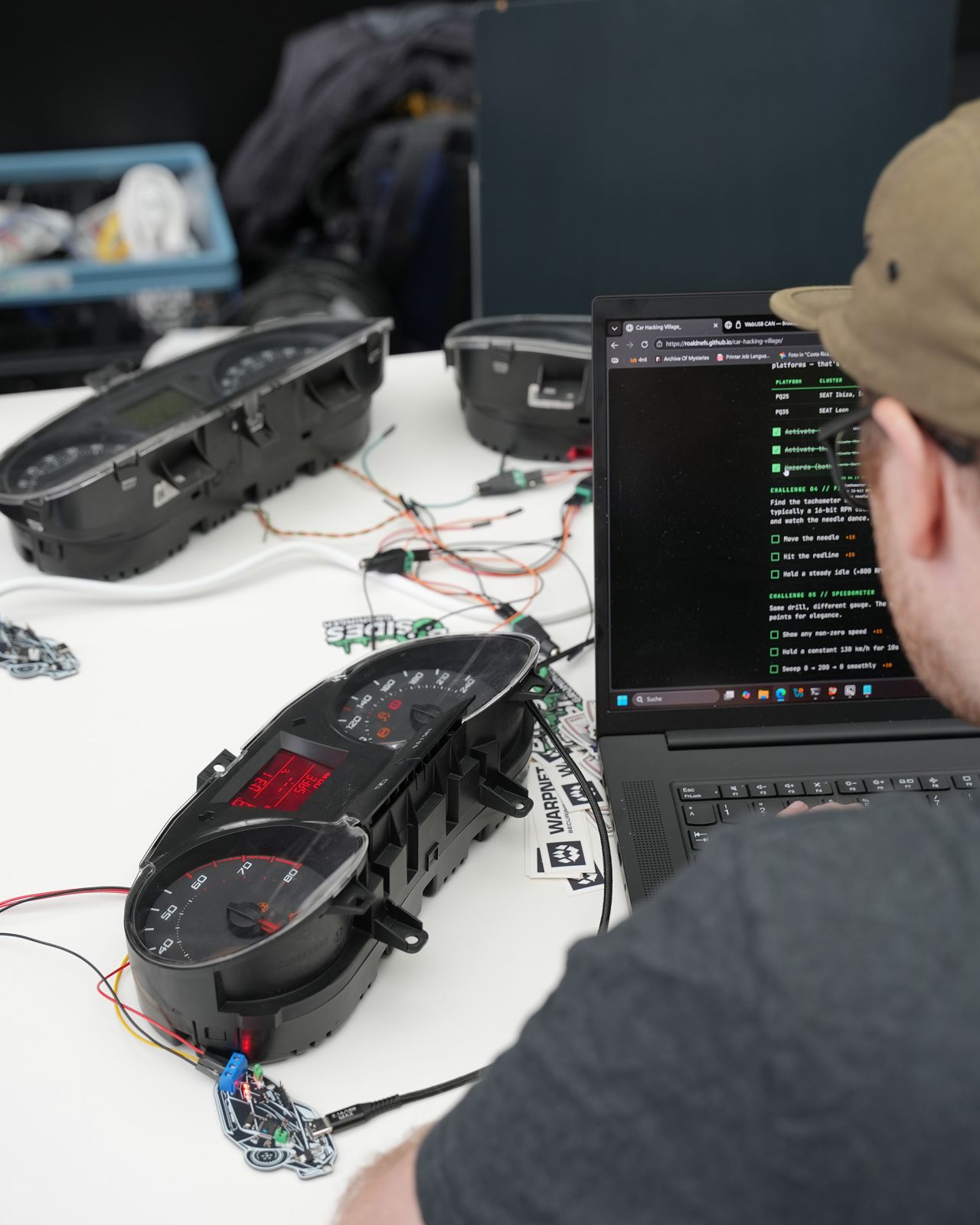
At your station you'll find a Volkswagen Group instrument cluster (Škoda Fabia, SEAT Ibiza, or SEAT Leon ~2010), a 12V power supply, and a USB-to-CAN adapter (CANable 2.0 or SH-C31A) running gs_usb / candleLight firmware.
No drivers. No installs. Everything runs in your browser via WebUSB.
CHROME 61+EDGE 79+FIREFOX ✗SAFARI ✗
⚠ Disclaimer
Educational purposes only. The clusters are bench-mounted lab gear — not connected to a vehicle. Don't try this on a car you don't own. Hacking real vehicles can brick ECUs, trigger safety systems, and break the law.
Launch the tool
Open the WebUSB CAN console — it's the same interface you'll use for every challenge below.
Three connections, in order: power → CAN bus → laptop. Don't skip the checkpoints between steps — they catch wiring mistakes before they become hardware mistakes.
Fig 02 // The full data path↓
01
Power the cluster
The cluster needs switched ignition and constant +12V, both grounded. The bench harness already has these tied off — just plug in the barrel jack from the supplied PSU.
Fig 03 // Pinout mapVIEWED FROM WIRE SIDE
Pin numbering is moulded into the connector body. Use a phone torch — they're tiny.
The numbers above match the workshop's reference orientation: pin 17 top-left, pin 1 top-right, pin 32 bottom-left, pin 16 bottom-right (viewed from the wire side, with the latch up).
⚠ Before plugging in
Reverse-polarity will kill the cluster. Confirm +12V on pins 31 & 32, GND on pin 16 with a multimeter if the harness wasn't pre-built by a volunteer.
✓ CHECKIf powered correctly, the cluster beeps and lights up like a Christmas tree (immobilizer + missing-sensor warnings). Backlight should be on.
✗ FAILNothing happens → check the barrel jack is in, PSU is on, and pin 31 actually has 12V (some harnesses tie 31 to a switch).
02
Wire the adapter to the bus
Two signal wires from the adapter into the cluster's CAN bus, plus a shared ground.
Adapter terminal
Cluster pin
Wire color (typ.)
CAN-H
28
yellow
CAN-L
29
green
GND
16
black
⚠ Common ground
The adapter's GND must share ground with the PSU (pin 16). Without it, CAN signalling floats and you'll see garbage frames or nothing at all. The pre-wired harness already does this — verify before changing anything.
✓ CHECKThe activity LED on the adapter starts blinking within a second of connecting both CAN wires — the cluster's own ECUs are constantly chattering on the bus.
✗ FAILLED stays dark → 90% of the time it's CAN-H and CAN-L swapped. Try flipping them before debugging anything else.
03
Connect via WebUSB
Plug the adapter's USB end into your laptop, then in the WebUSB CAN console:
Set bitrate → 500000
Mode → Normal
Click Connect → pick your adapter from the browser dialog
✓ CHECKThe frame counter starts climbing and you see IDs streaming in the live view. Welcome to the bus.
✗ FAILBrowser dialog shows no devices → you're probably on Firefox/Safari (use Chrome/Edge), or the adapter is running SLCAN firmware instead of candleLight (ask a volunteer).
Challenges
Work through these at your own pace. Bring your sheet to the village desk when you've cleared a few — there are stickers.
Challenge 01 // Listen
Watch the live frame view. The cluster is broadcasting dozens of messages per second. Identify which arbitration IDs are recurring with stable data (boring heartbeat) versus those whose payloads shift over time.
Challenge 02 // Spoof the immobilizer
The orange wheel warning is the cluster missing its handshake. Inject the immobilizer frame to silence it.
# In the WebUSB console "Send" panel:ID:3D0Data:00 00 00 00 00 00 00 00Mode:cyclic, every 100 ms
No orange wheel on your cluster? Some are shipped with the immobilizer function disabled in EEPROM. Swap the ID for 050 to spoof the airbag warning instead — same payload, same cadence. The objectives below count either way.
Challenge 03 // Read the VIN
The cluster quietly broadcasts its own Vehicle Identification Number. The 17-character string is split across three consecutive frames on the same ID, each carrying a chunk of the VIN as raw ASCII bytes. A hex-to-ASCII conversion is all that stands between you and the full number.
Hint: scan the live frame view for an ID whose payload sits in the printable-ASCII range (roughly 0x30–0x5A). The first byte of each frame is the chunk index (00, 01, 02) — the rest is the text.
Challenge 04 // Turn signals
Make the cluster blink. The arbitration ID and payload differ between platforms — that's part of the puzzle.
Platform
Cluster
Hint
PQ25
SEAT Ibiza, Škoda Fabia
Look around 0x470
PQ35
SEAT Leon
Different ID — fuzz or research
Challenge 05 // Pin the RPM
Find the tachometer message and pin the needle to the redline. The value is typically a 16-bit RPM count, big-endian, scaled — start by sweeping values and watch the needle dance.
Challenge 06 // Fuzz responsibly CAUTION
Use the console's random/incremental send mode to fuzz a single arbitration ID and observe what wakes up. Document anything weird.
⚠ Don't fuzz wide ID ranges
Stick to one ID at a time. Broadcasting random frames across the entire ID space can put the cluster into a fault state that needs a power cycle to recover. Ask a volunteer if it locks up.
Challenge 07 // Speedometer
Same drill, different gauge — but this one fights back. The cluster doesn't trust a single value: it sanity-checks the speed signal against the ABS wheel speeds, and if they disagree it ignores you. You'll need to send several CAN IDs together (in quick succession, every ~10–20 ms) and keep their values consistent — e.g. claiming 130 km/h on the speedometer ID only works if the wheel speeds say the same thing.
A bit of online research goes a long way here. Open-source PQ25 cluster simulators on GitHub spell out exactly which IDs need to agree and how each value is encoded.
Quick reference
Useful arbitration IDs (VAG PQ-platform, ~2010)
ID
Function
Notes
0x050
Airbag
All zeros = OK
0x1A0
ABS
—
0x280
Engine RPM
Bytes 2–3 = RPM × 4 (LE)
0x288
Coolant temp
Byte 1 (0x9A ≈ 80 °C)
0x320
Cluster status (Kombi 1)
Emitted by cluster — don't send
0x3D0
Immobilizer
All zeros, cyclic ~100 ms
0x470
Turn signals (PQ25)
—
0x480
Engine warnings
All zeros = no warnings
0x4A0
Wheel speeds
LSB/MSB per wheel
0x4A8
Brake pressure
All zeros = not braking
0x5A0
Speedometer (odometer)
Bytes 5–6 = odo counter, 50/m
Exact mappings vary by cluster, year, and software level. Verify by observation — that's half the fun.
Frame format in the console
ID:123# 11-bit hex, no 0x prefixDLC:8# 0–8 data bytesData:DE AD BE EF 00 00 00 00
Troubleshooting
The browser doesn't show my adapter
You need Chrome or Edge — Firefox and Safari don't ship WebUSB. Make sure no other program (a SocketCAN driver, a serial terminal) has the adapter open. Unplug and replug the USB cable.
The adapter must be running candleLight / gs_usb firmware. SLCAN-firmware adapters won't enumerate over WebUSB — ask a volunteer to swap it.
Connected, but no frames showing up
Check your bitrate is 500 kbit/s. Verify CAN-H goes to pin 28 and CAN-L to pin 29 (not swapped). The cluster also needs both the switched and constant 12V lines — a single one isn't enough to wake it.
Cluster is locked / unresponsive after fuzzing
Pull the barrel jack, count to five, plug back in. If a warning persists after a clean boot, flag a volunteer.
I want to do this at home
The whole stack lands somewhere around €75–€125: a CANable 2.0, a junkyard cluster from eBay, a 12V wall wart, and some jumper wire. Cluster prices vary wildly by model and seller — shop around. The full workshop slides (with command-line can-utils equivalents) are linked in the resources below.
Your score
// Total points captured
0/ 0 pts
0 / 0 objectivesSCRIPT KIDDIE
👑
CAN Overlord
// All objectives captured. The cluster is yours.
Brag about it
Hit the bus, popped the cluster, earned the rank? Post about it on LinkedIn. Here's who to tag and what to link.